Self-grant an API app access to partner client spaces
Use the API app to grant itself permission to access the client spaces you want to interact with.
Prerequisites
- The API app used to make the request has the Client manager role in the accountant's partner space.
- Resource IDs:
partnerSpaceId: ThespaceIdof the partner whose clients you want the app to access.clientId: The ID of the client you want the app to access.
- You have the app ID of the API app created in Developer Portal.
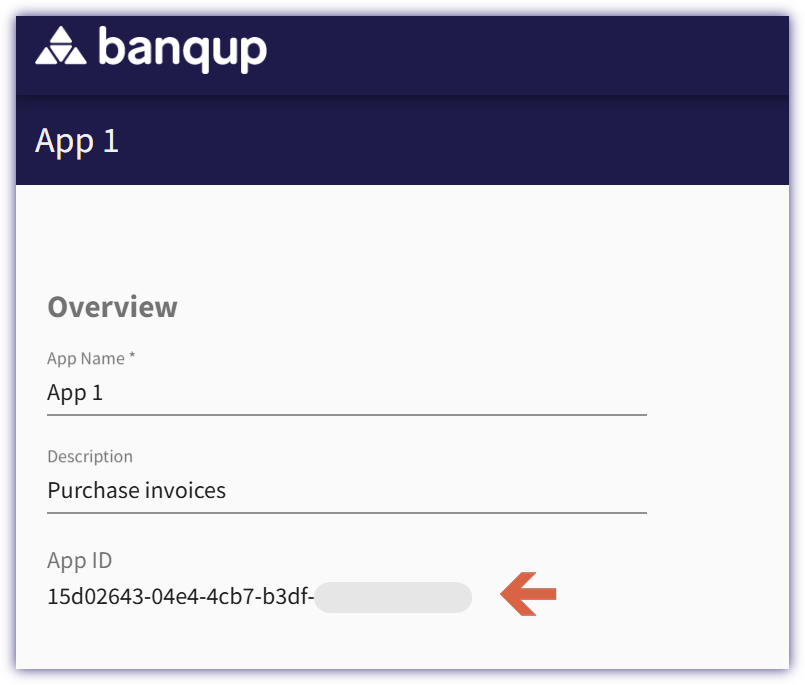
Self-grant access to a client
Use the following endpoint to grant the API app access to the specified client.
Endpoint: /workspace/partner/v1/spaces/{partnerSpaceId}/clients/{clientId}/permissions
Path parameters:
partnerSpaceIdclientId
Request body:
requester: The ID of the API app that is requesting access.permission: The permission to grant to the app, for exampleclient_readorclient_write.
curl -L 'https://{{serverURL}}/workspace/partner/v1/spaces/{partnerSpaceId}/clients/{clientId}/permissions' \
--data '{
    "requester": "f3c0e3c1-a0c8-4fd4-b53a-12dbd6c28d31",
    "permission": "client_read"
}'
Successful response: The specified permission is granted to the app for the client.